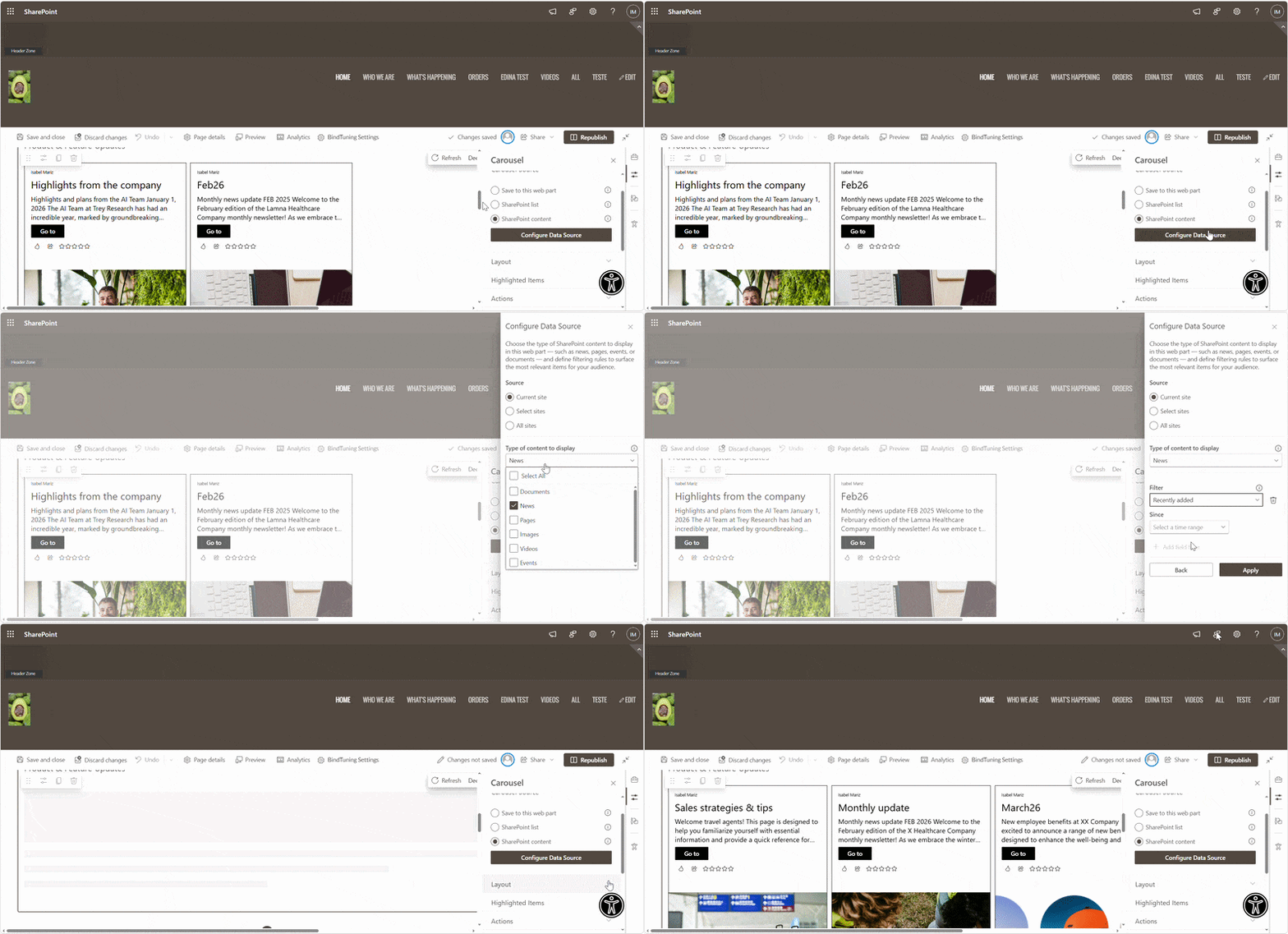
Source
Gives content creators the clarity and granular control over the data feeding the carousel. Select one based on the outcome:
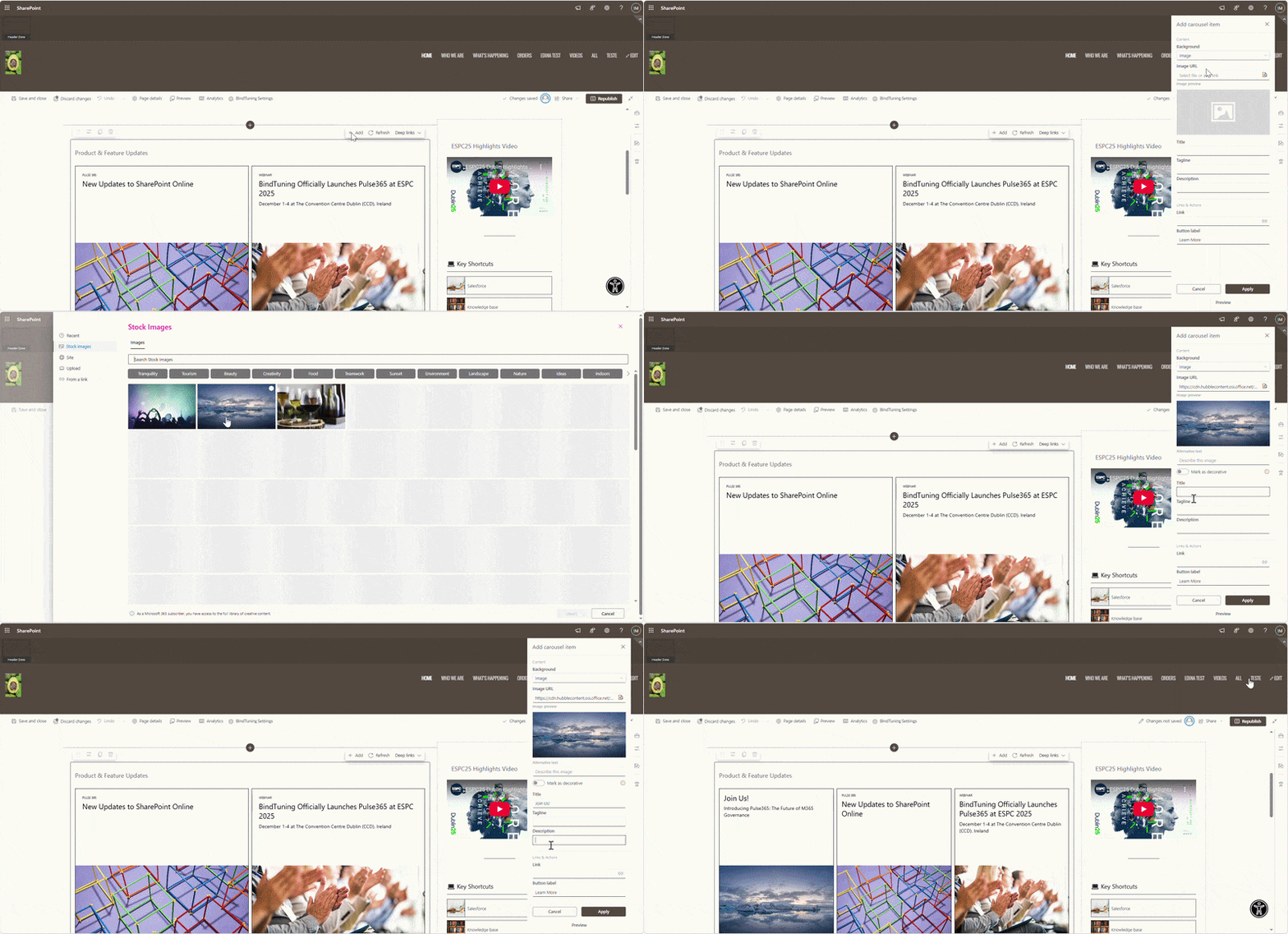
Save to Web Part
Create and store slides directly in the web part (image, title, description, link). Best for small, curated sets that change occasionally.
Important: If the web part is removed from the page, the stored slides are deleted. Migrate before removal.
Best when:
- Fast curation with full control over each slide is available.
- List workflows or external data connections are not required.
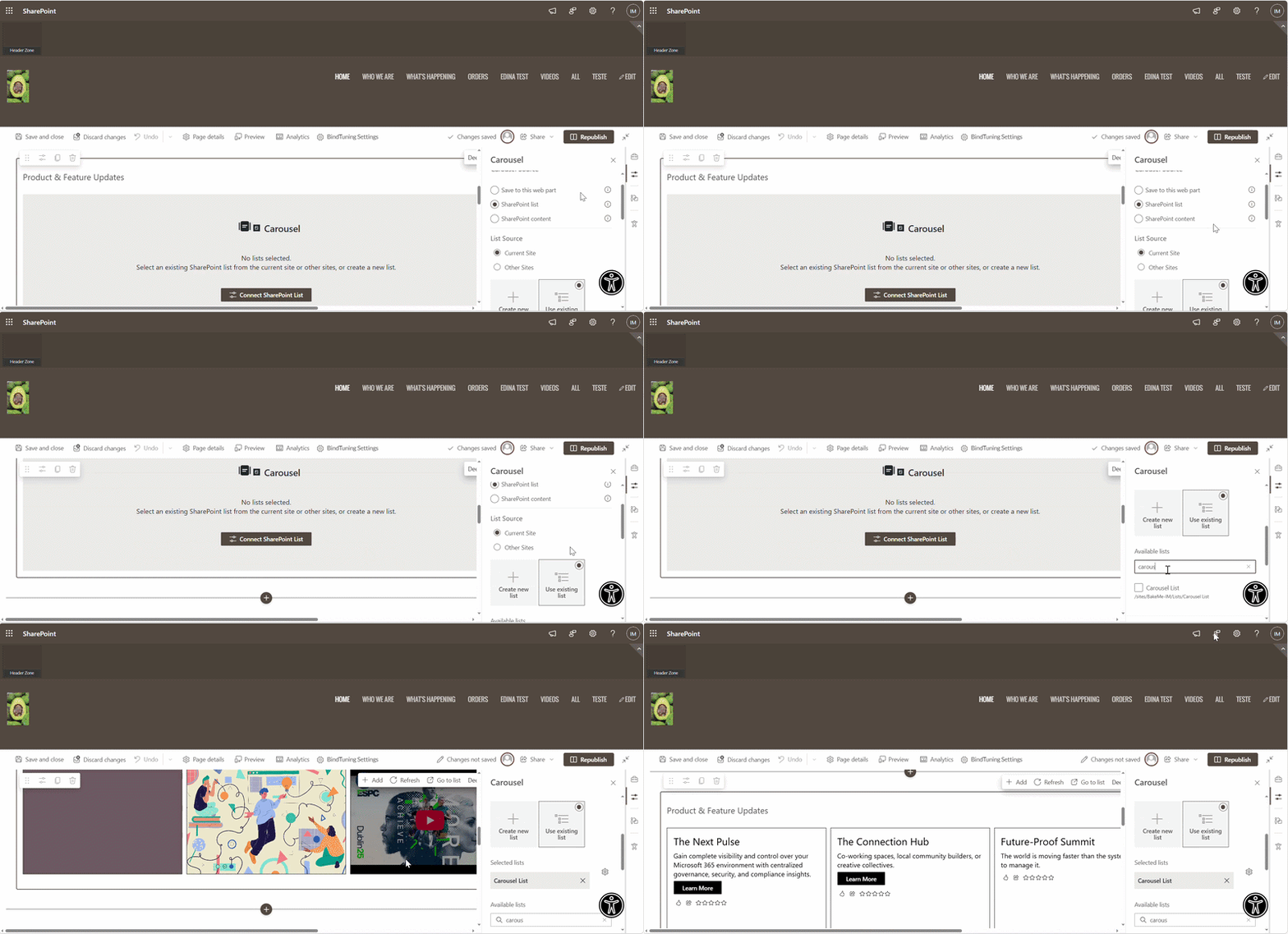
SharePoint Lists
Connect to one or many lists or start fresh by creating one with pre-built columns. Map columns (e.g., Tit"le, Description, Image URL, Link). Use filters to build rulebased collections owned by a team.
Best when:
- Content lives in a list with approvals or metadata rules.
- Multiple people contribute, and you want consistent mapping.
SharePoint Content
Aggregate existing content and then filter by type or metadata so each audience sees relevant items. Prefer precise language over vague claims about “maximum items”; document limits in your tenant if needed.
Best when:
- Live SharePoint content needs to be surfaced without manual curation.
- Relevance is driven by specific properties (e.g., retrieving only items where Department = HR).