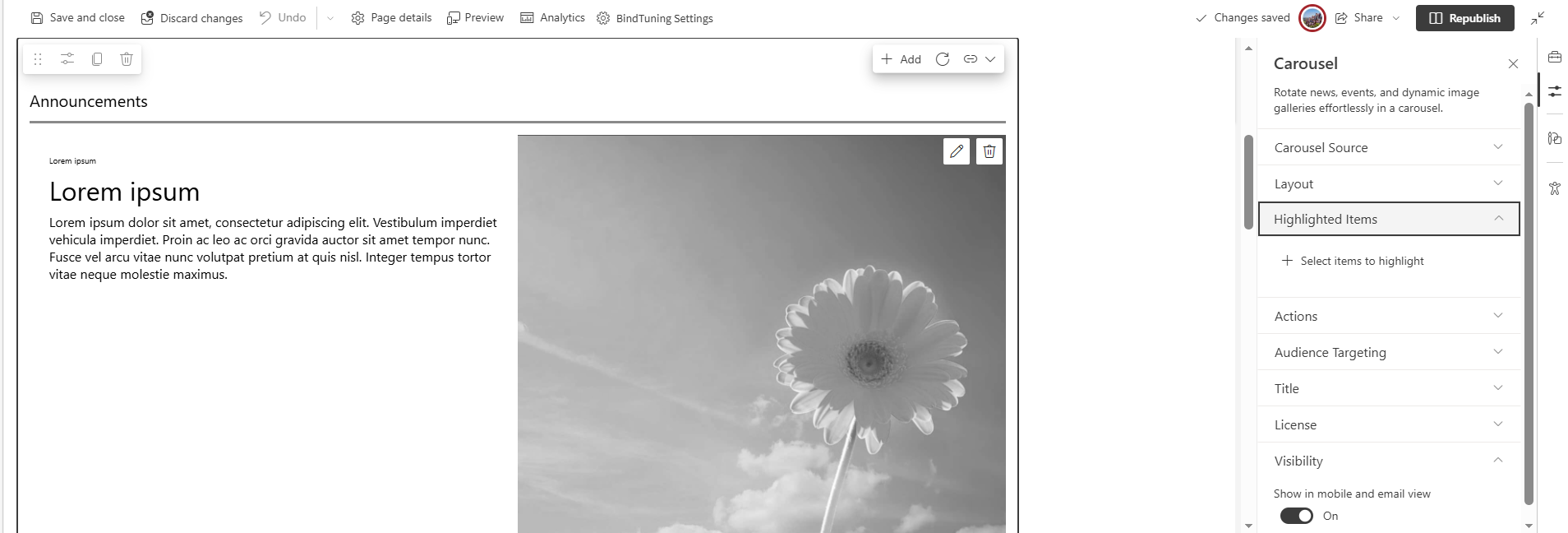
Highlighted Content
This tab promotes specific items to the top of the Carousel. Use it to guarantee that must see content appears first, independent of filters.
-
Pin key items. Mark specific content as highlighted so it always appears first, above the rest.
-
Control the order. If more than one items are highlighted, organize them with simple drag and drop.
-
Use wisely. Reserve highlighting for truly important updates ensures users consume the information that matters first.
-
Ensures critical messages get instant visibility without changing the data source or filters.