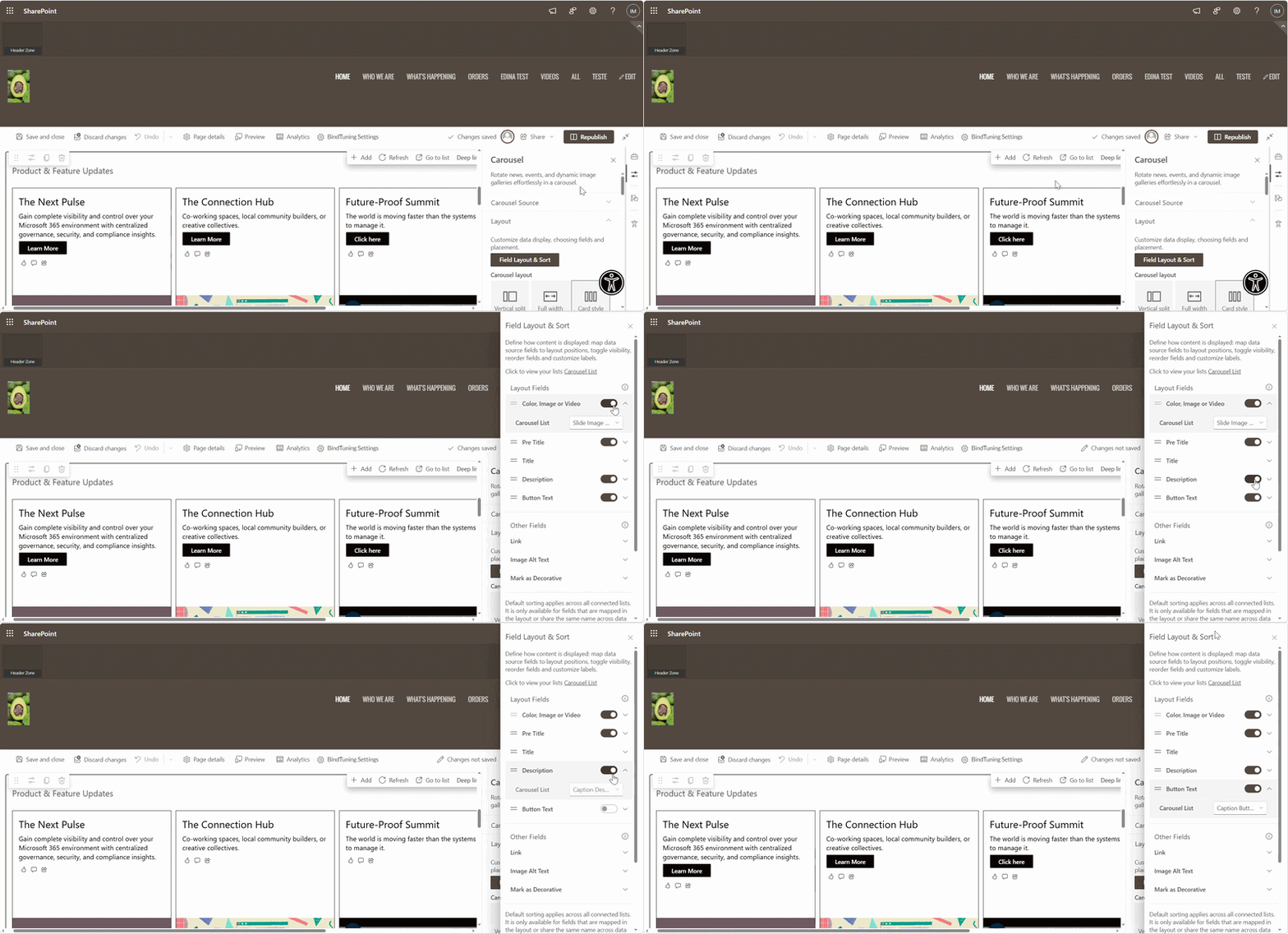
Layout
This tab sets the look and feel of the Carousel and how data fields appear on each card. Aim for quick scanning and strong readability.
-
Map what matters. Bind source fields to visual elements. Hide what adds noise. Reorder if it improves reading flow, if there is more than one source without a consistent structure, map individually each source.
-
Choose density. Set items per view and rows so people can scan fast. If there are more items than fit, the Carousel paginates automatically
-
Keep brand and accessibility in balance. Use brand colors and alignment, but maintain clear contrast and readable text.